Twilio Integration
Cloud Communications Platform for AI Voice Agents
Power your WeLevel AI agents with Twilio's enterprise-grade cloud communications platform. Purchase phone numbers, manage call volume, and ensure optimal deliverability for your outbound campaigns.
Get StartedOverview
Twilio provides the telephony infrastructure that powers WeLevel's AI voice agents. Your Twilio account handles phone number provisioning, call routing, and ensures high answer rates through proper number health management. Setting up Twilio correctly is essential for maximizing your AI agent performance.
Requirements
- Twilio account (Pay-as-you-Go or upgraded plan)
- Verified phone number for account security
- Credit card on file for phone number purchases
- Primary Customer Profile approved for A2P 10DLC compliance
Integration Features
Everything you need to connect Twilio with your AI-powered growth system.
Phone Number Provisioning
Purchase local, toll-free, or mobile numbers directly from Twilio. Numbers are instantly available for your AI agents to use for inbound and outbound calls.
Call Volume Management
Best practices for scaling call volume without triggering spam filters. Start conservatively and increase based on performance metrics.
Number Health Monitoring
Monitor complaint rates, failed calls, and carrier feedback to maintain high answer rates and avoid number reputation issues.
Subaccount Support
Create Twilio subaccounts to isolate client phone numbers and billing. Perfect for agencies managing multiple client campaigns.
Send Contacts to WeLevel
Follow these steps to push contact data from Twilio into WeLevel for AI-powered outreach.
Create Twilio Account
Visit twilio.com and click 'Start for free'. Sign up with your email or Google account, verify your email and phone number, and save your recovery code.
Upgrade Your Account
New accounts need to be upgraded from trial. Add a credit card to enable phone number purchases and production calling.
Complete Primary Customer Profile
Submit your business verification for A2P 10DLC compliance. This is required for sending SMS and making outbound calls at scale.
Name Your Account
Give your Twilio account a descriptive name (e.g., your company name) to easily identify it in the console.
Add WeLevel Support Access
Optionally add WeLevel support to your Twilio account for assisted troubleshooting and configuration help.
Receive Post-Call Data
Configure WeLevel to send call outcomes, transcripts, and summaries back to Twilio.
Navigate to Phone Numbers
In Twilio Console, go to Phone Numbers > Manage > Buy a Number to access the number purchasing interface.
Select Number Type
Choose between local numbers (best for local presence), toll-free (for national campaigns), or mobile numbers based on your use case.
Search and Purchase
Search by area code, location, or capabilities. Select a number with voice capabilities and click 'Buy' to add it to your account.
Configure Number Settings
Set up the number's voice webhook to point to WeLevel for inbound call handling. Configure caller ID settings as needed.
Connect to WeLevel
Copy your Account SID and Auth Token from the Twilio Console and enter them in WeLevel's integration settings to connect your numbers.
Post-Call Data We Send
These are all the data fields we push from WeLevel to your connected apps via webhooks.
Branded Calling
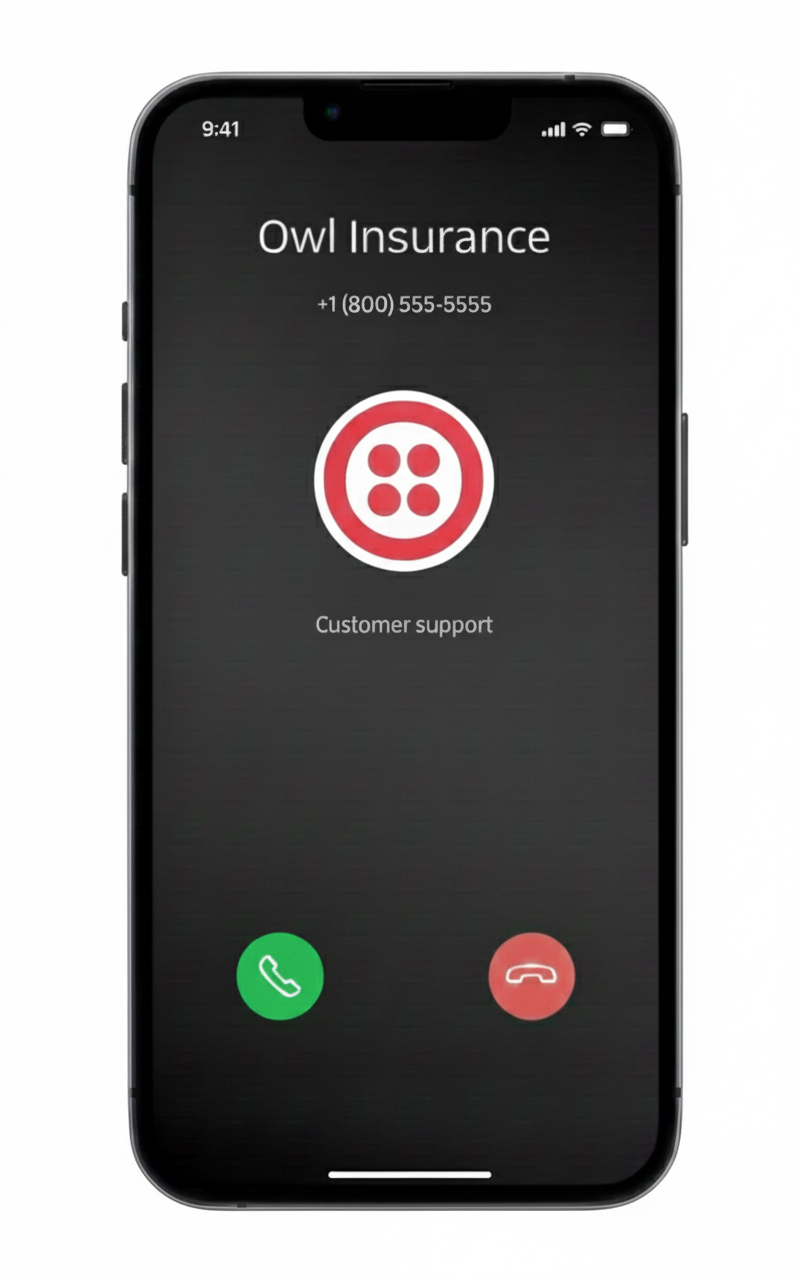
Branded Calling is a Voice Trust Product that increases call transparency and trust. Display a verified business name, logo, and call reason on recipients' mobile phones during outbound calls. Help recipients identify your calls as legitimate and dramatically improve answer rates.
- Higher answer rates and improved ROI on outbound campaigns
- Display verified business name on caller ID
- Show your logo and call reason (Enhanced)
- Increased customer trust and brand recognition
- Protection against fraud and spam flagging
- Works on major US carriers (T-Mobile, Verizon)
Frequently Asked Questions
How many calls can I make per number?
We recommend staying under 500 calls per day per number. Start with 50-100 calls for cold data, or 150-200 for high-confidence data, and scale up gradually while monitoring complaint rates.
What if my Primary Customer Profile is rejected?
Review the rejection reason in Twilio Console. Common issues include incomplete business information or documentation mismatches. Update your profile and resubmit for approval.
How do I avoid my numbers being flagged as spam?
Maintain complaint rates below 20% (ideally under 10%), use multiple numbers for high volume, rotate numbers regularly, and always comply with TCPA and carrier guidelines.
Can I use my existing Twilio account?
Yes, if you already have a Twilio account, you can connect it to WeLevel using your Account SID and Auth Token. Existing numbers can be configured for AI agent use.
What's A2P 10DLC and why do I need it?
A2P 10DLC is a regulatory framework for application-to-person messaging on 10-digit long codes. It's required for business SMS and affects call reputation. Completing your Primary Customer Profile ensures compliance.
Ready to Connect Twilio?
Book a demo and our team will help you set up the integration and start automating your growth.